
Plans in feet and inches, measured in feet and inches.
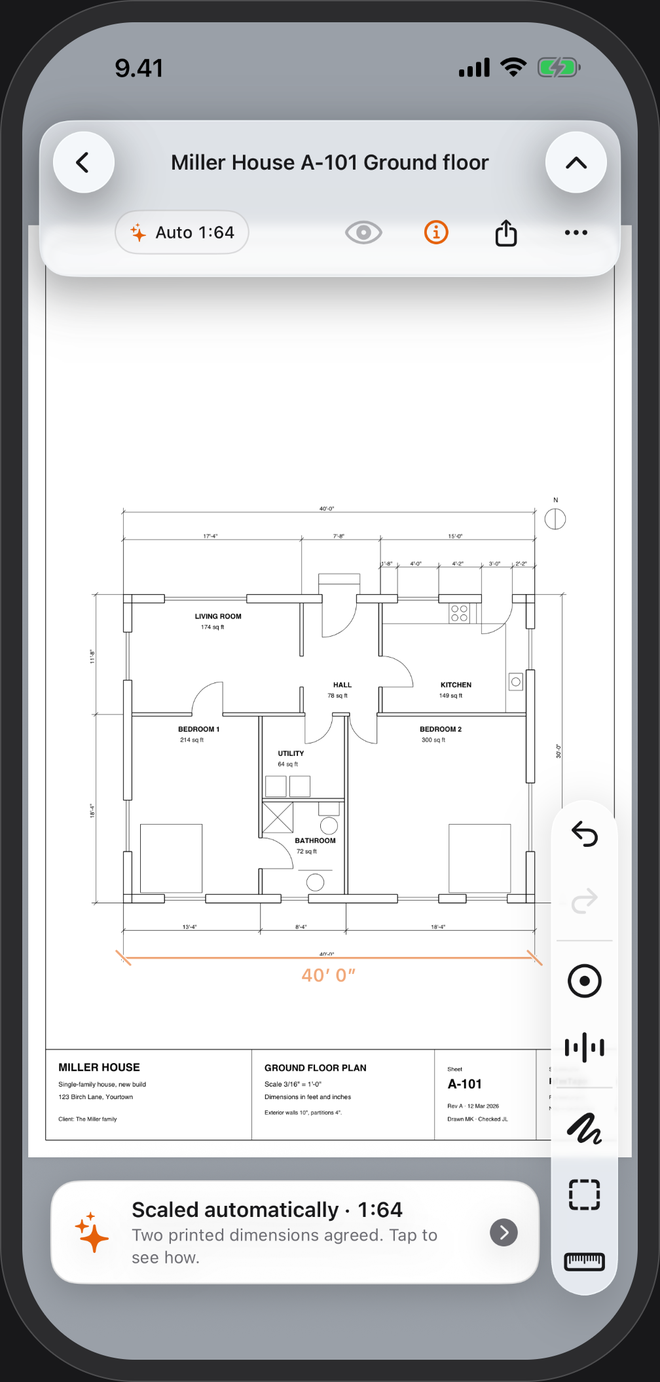
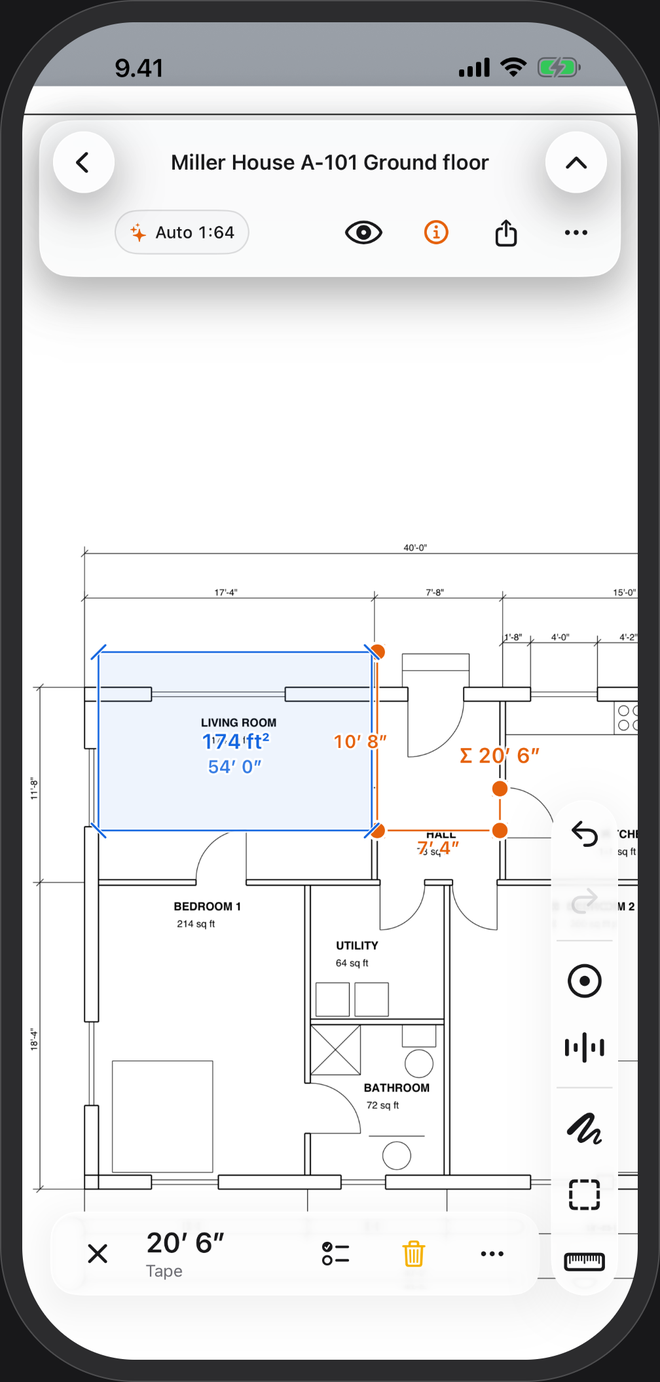
Open a US plan and PlanTape reads its feet-and-inch dimensions to set the scale — a 1/4″ = 1′-0″ sheet comes up as 1:48. Lengths in feet and fractional inches, areas in square feet.
No account · No cloud · Works offline · iPhone, iOS 26+
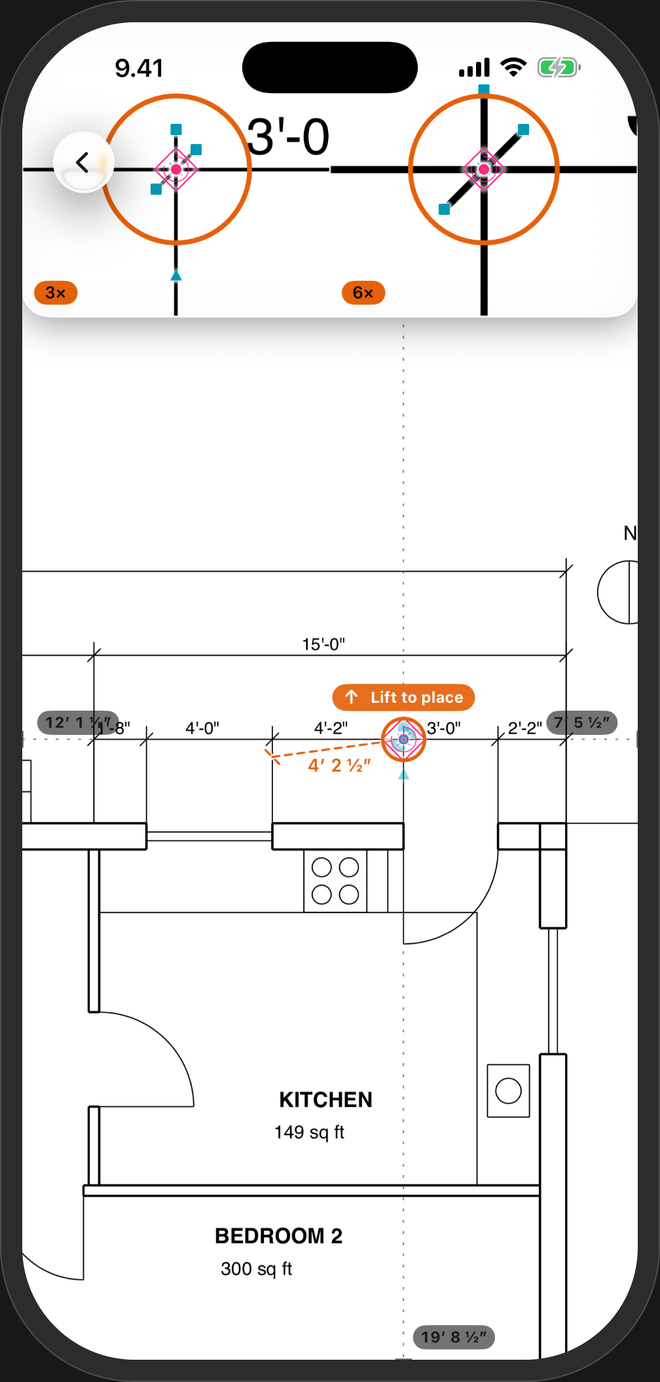
Set it up once
- Feet + inchesSettings → Units → Feet + inches. Every length reads like 12′ 4½″, every area in square feet.
- Pick your fractionSettings → Precision → Round inches to: the nearest fraction you work to. It only changes the display; totals are kept at full precision.
- Open the planThe scale is read from the sheet's own feet-and-inch dimensions and tagged Auto. Tap it to see the dimension it used.
Architectural scales, as PlanTape shows them
The scale card shows a ratio. Here is how the usual US scales translate:
| On the sheet | Scale card |
|---|---|
| 1/8″ = 1′-0″ | 1:96 |
| 3/16″ = 1′-0″ | 1:64 |
| 1/4″ = 1′-0″ | 1:48 |
| 1/2″ = 1′-0″ | 1:24 |
| 1″ = 20′ | 1:240 |
Printed on Letter instead of Tabloid, a 1/4″ sheet is no longer 1/4″. PlanTape doesn't care: it reads the dimensions typed on the drawing, not the paper size. Why a PDF loses its scale →
On a US plan
Questions
What if my plan has no dimensions on it?
Trace a length you know and type it in feet and inches, like 32′ 0″. The sheet is to scale from then on.
Can I switch to metric?
Any time, in Settings → Units. Measurements already on the plan re-read in the new unit.
Scanned blueprints?
They open. Set the scale yourself by tracing a known length and measure freely. Automatic scale and snapping need a vector PDF, the kind exported from CAD.